Documentation + User Guide
Documentation + User Guide
Implementation Compared to Vision
Stellar Flapper originally aimed to replicate the original game of 'Flappy Bird'. This was done well by the fact that many core mechanics that I set out to implement were implemented. In my Game Concept DevLog, the following were the mechanics that I wanted to implement:
Key features and gameplay loop:
- Single player - Gameplay is only for one player at a time.
- Simple and accessible - Controls in game are very basic only having one button to click. Menu is ideally easily navigatable only having a couple of buttons. It is built for the web as well meaning it can be accessed by anyone with a PC.
- Obstacles - The main gameplay surrounds fitting through two obstacles.
- Endless gameplay - The game lasts as long as you can survive, if you are unable to set a high high score, it is a skill issue.
- High score counter - The players highest score is tracked and is easily accessible via the main menu or as a display.
- Pause button - Implement the option to pause the game at any time incase someone has something better to do and wants to pause their progress.
I successfully implemented each of these features and extended upon a couple of them such as the high score counter, not only counting the highest score but also various other statistics accessible through the high scores menu. These features essentially are the core mechanics to Stellar Flapper and as each of these have been successfully implemented, a replica of Flappy Bird has been successfully created.
Potential extra features:
- Multiplayer - There is an option for multiple players with different controls.
- Enemies - Have some sort of enemy e.g. UFO that attacks and the player has to shoot otherwise it kills them.
- Attacking - Tied into enemies, the player would have some sort of button to be able to shoot.
Although I never went back and revisited these potential extra features, having none of them implemented, I did add additional features I previously did not think of. These extra features were features that were suggested by play testers. There could have been more added extra features. One of the features added differentiates Stellar Flapper from the original Flappy Bird, covered farther. The goal with the potential extra features was to differentiate Stellar Flapper from Flappy Bird, which I managed to do.
Testing Session Summary
During the testing session various notes were taken, the full list can be found in the Testing Session DevLog. Some of the notes that were acted upon as additional features were the following:
- Potential for different gravity areas - e.g. progress and gravity changes.
- Make sure pipe locations spawn consistently at the same spot.
- Needs SFX.
Different gravity areas were implemented by intervals of 5 which changes the gameplay loop of Stellar Flapper greatly. This could have been implemented differently however this way of implementation still fits with the Flappy Bird gameplay but adding differences to it.
Ensuring the pipes spawn in at the right position made the game look more polished and slightly decreased difficulty, however it was not so impactful it made the game too easy.
Adding sound effects brought the game to life and makes the playing experience that slight bit better. Part of the gaming experience is the audio experience that comes with it so it was an important addition.
These implementations nicely wrapped up Stellar Flapper giving it polish and differentiates Stellar Flapper from the original Flappy Bird. All of the feedback that was acted upon was fairly easy to implement but prior to the testing session I did not even think to add them. I am appreciative of all those that gave other feedback and ideas that if I ever get time to revisit putting extra features into this game, I may implement them! There is other things such as custom UI art and an adaptive background that I would have loved to add, but ran out of time.
Asset List
All of the UI assets were from the following references:
Version 1.2 Flappy Bird (2026). Spriters-Resource.com. https://www.spriters-resource.com/mobile/flappybird/asset/59894/
This was used for the button icons.
Google Fonts, (2026). Kottke. J. Silkscreen https://fonts.google.com/specimen/Silkscreen?utm_source=chatgpt.com&preview.scri...
This was used for the font of all the text displayed.
The following images, which are all of the objects in game, were mostly completely original art:
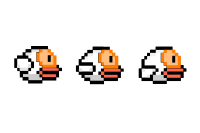
The player sprite sheet, this was used for the animation as well. This is an edited version of the bird sprites that can be found here:
Version 1.2 Flappy Bird (2026). Spriters-Resource.com. https://www.spriters-resource.com/mobile/flappybird/asset/59894/


These are the two sprites used for the two different objects or 'pipes' the player has to avoid.

This is the asset used for the foreground.
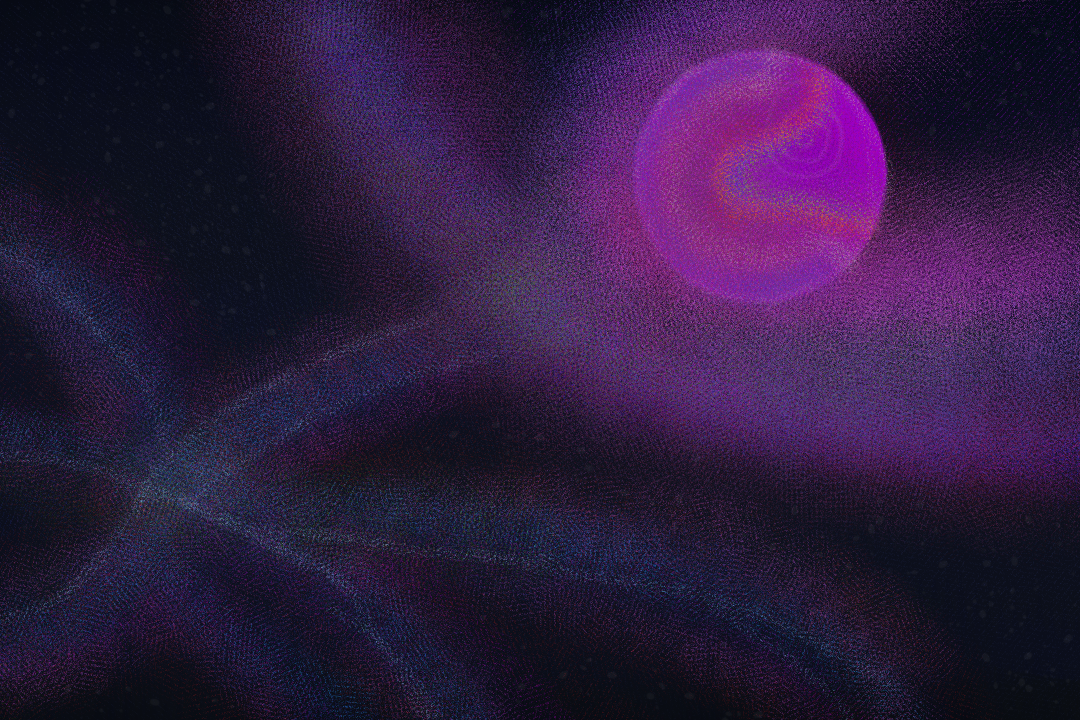
This is the asset used for the background.
The sound assets can be found at the following links:
Myinstants. jjerzic. (2026). Flappy Bird’s Wing - Sound Button. Myinstants. https://www.myinstants.com/en/instant/flappy-birds-wing/
Myinstants. jjerzic. (2026). Flappy Bird’s point - Sound Button. Myinstants. https://www.myinstants.com/en/instant/flappy-birds-point/
Myinstants. jjerzic. (2026). Flappy Bird’s Die - Sound Button. Myinstants. https://www.myinstants.com/en/instant/flappy-birds-die/
Myinstants. jjerzic. (2026). Flappy Bird’s Swooshing - Sound Button. Myinstants. https://www.myinstants.com/en/instant/flappy-birds-swooshing/
Myinstants. (2026). Flappy Bird Soundboard - Instant Sound Buttons. Myinstants. https://www.myinstants.com/en/search/?name=flappy%20bird
This was used for the player movement sound, player death sound, player scoring sound, and the final endgame screen sound,
User Guide
Final Name
The final name of my game is Stellar Flapper, I have worked with this name since the beginning of the creation of this game and it has stuck.
Game Description
Stellar Flapper is a endless forced-scrolling dodger featuring gravity physics. In Stellar Flapper it is single player and you play as a space-exploring bird navigating an endless universe with endlessly generating obstacles. You play as Neil Wingstrong, a brave but very fragile bird that wants to explore the universe, can you navigate him through it?
Controls
Buttons can be clicked with the mouse
Spacebar is the only control for movement!
Game Screens
Home screen.
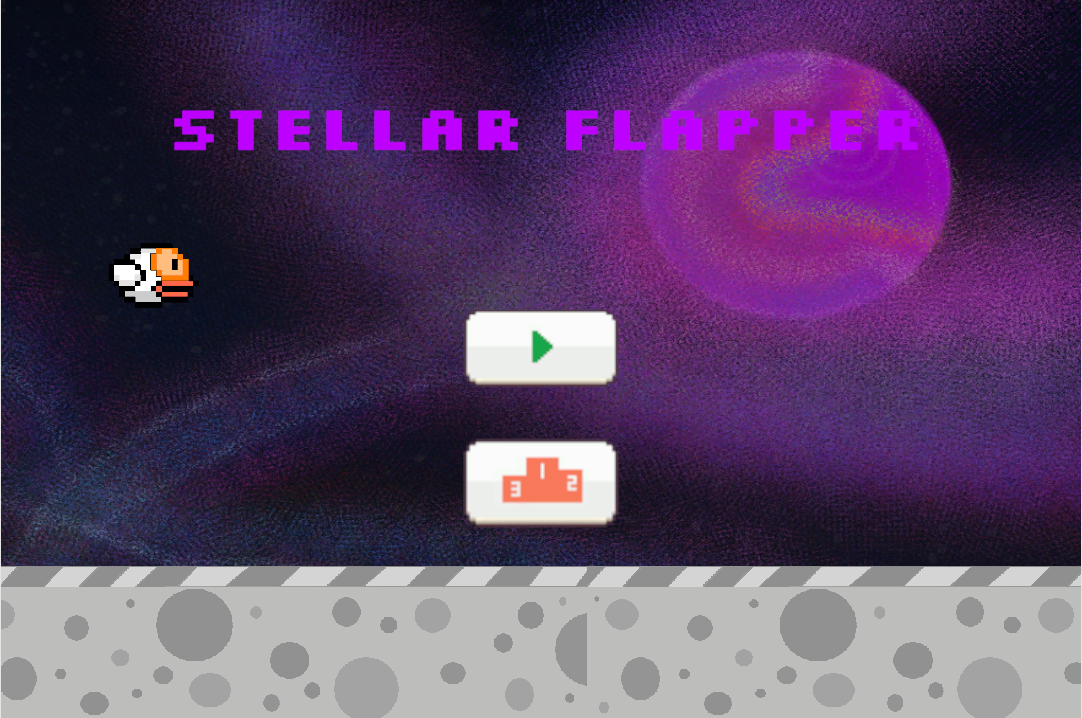
High scores screen which can be navigated to via the button with the orange pedestal. The high scores button.
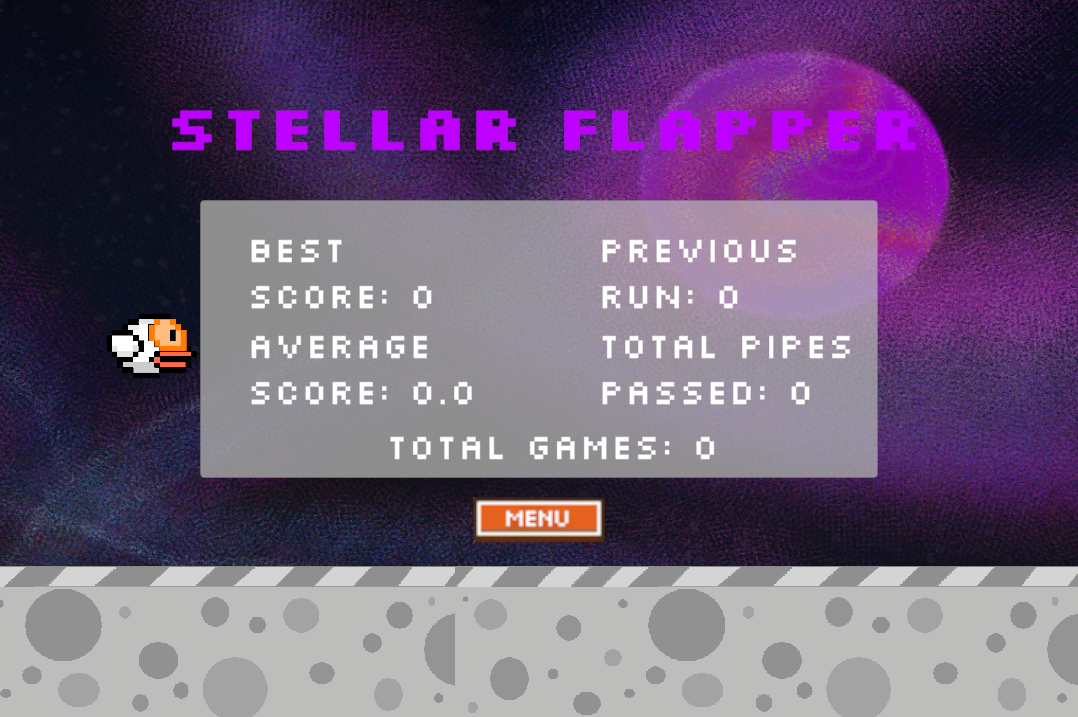
Main gameplay screen which can be navigated to via the button with a green triangle inside it. The play button.
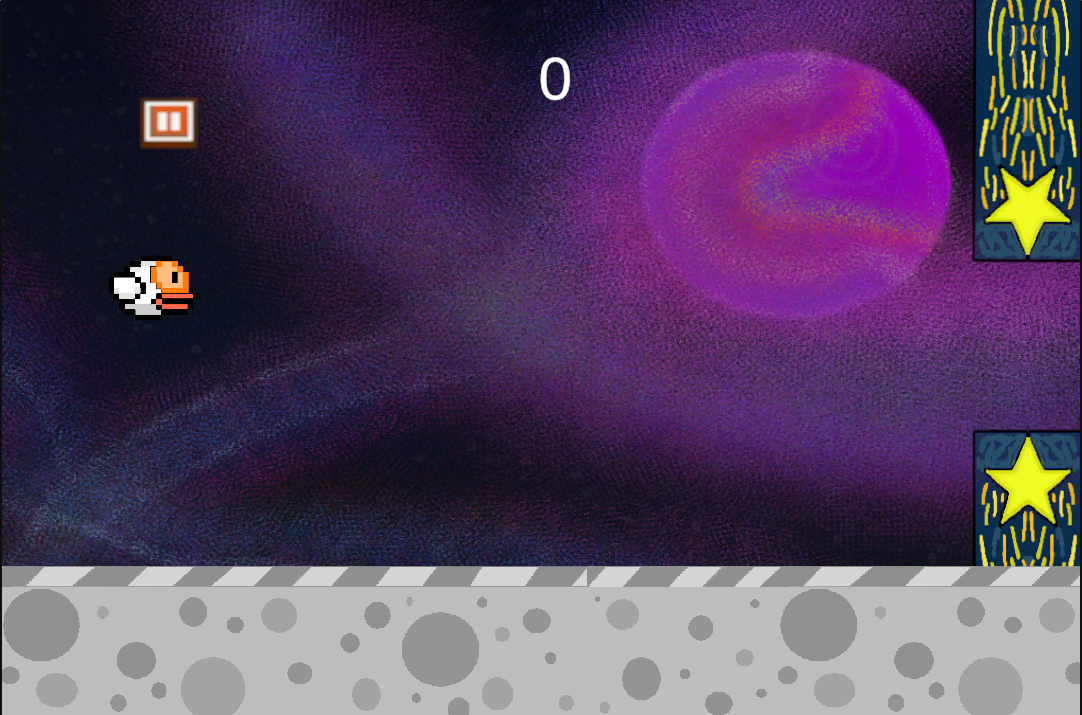
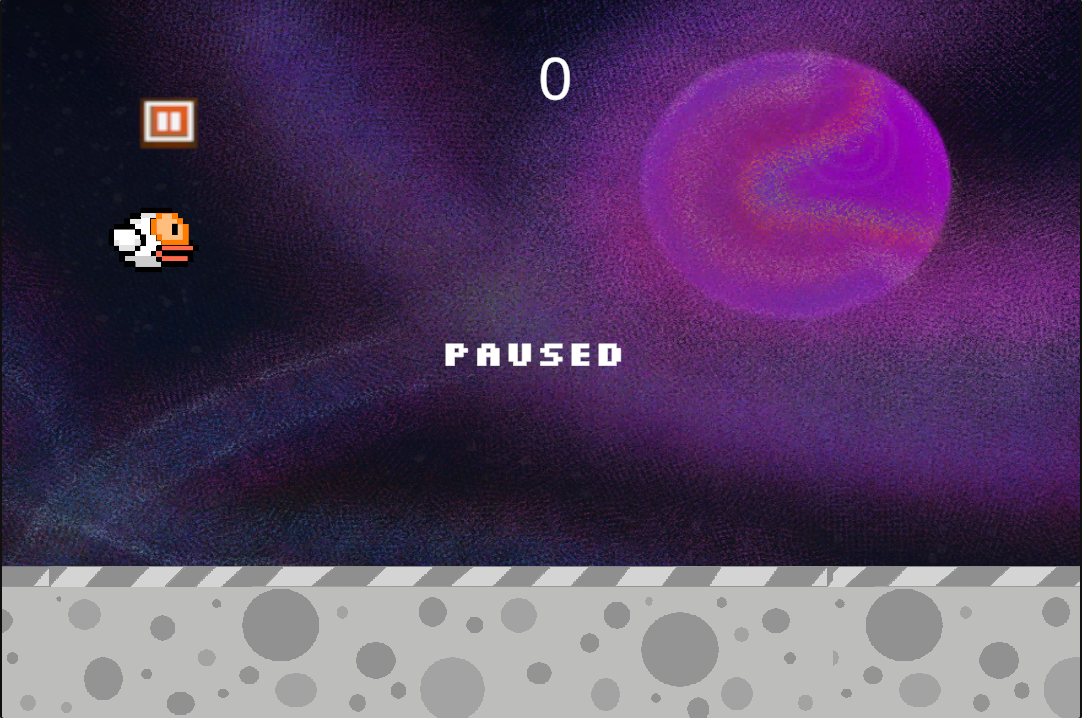
Paused screen which can be navigated to via the orange button in the top left of the main gameplay screen. The pause button.
The death screen which is automatically displayed upon players death.
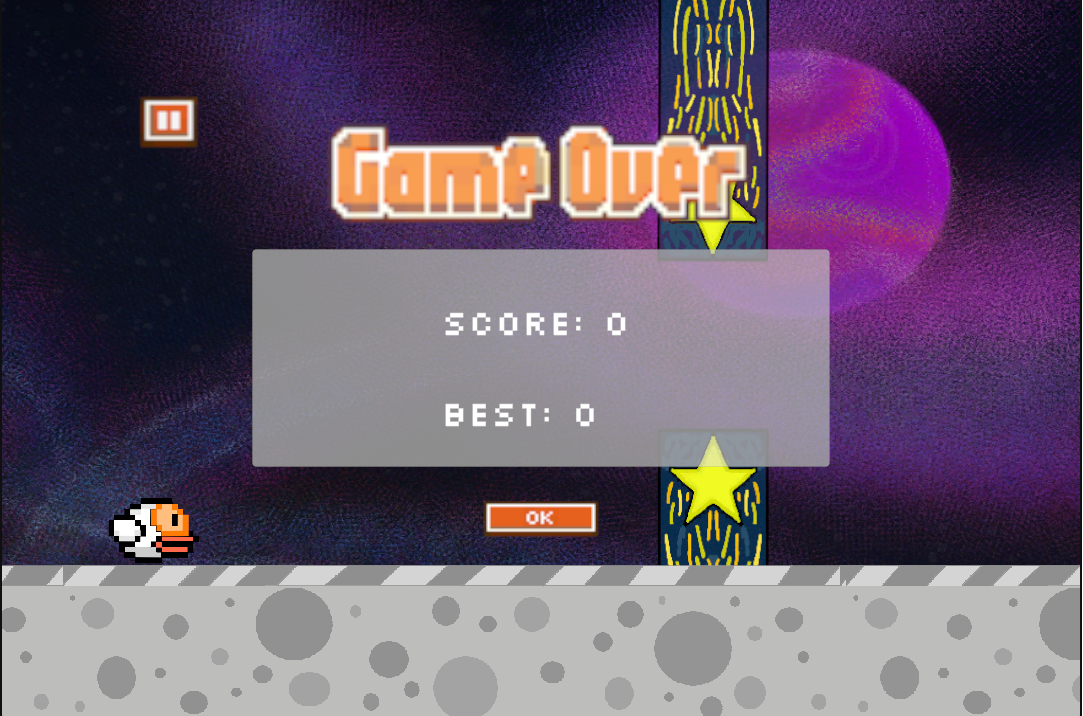
The orange button in the bottom center of the screen will take the player back to the home screen.
References:
Version 1.2 Flappy Bird (2026). Spriters-Resource.com. https://www.spriters-resource.com/mobile/flappybird/asset/59894/
Google Fonts, (2026). Kottke. J. Silkscreen https://fonts.google.com/specimen/Silkscreen?utm_source=chatgpt.com&preview.scri...
Myinstants. jjerzic. (2026). Flappy Bird’s Wing - Sound Button. Myinstants. https://www.myinstants.com/en/instant/flappy-birds-wing/
Myinstants. jjerzic. (2026). Flappy Bird’s point - Sound Button. Myinstants. https://www.myinstants.com/en/instant/flappy-birds-point/
Myinstants. jjerzic. (2026). Flappy Bird’s Die - Sound Button. Myinstants. https://www.myinstants.com/en/instant/flappy-birds-die/
Myinstants. jjerzic. (2026). Flappy Bird’s Swooshing - Sound Button. Myinstants. https://www.myinstants.com/en/instant/flappy-birds-swooshing/
Myinstants. (2026). Flappy Bird Soundboard - Instant Sound Buttons. Myinstants. https://www.myinstants.com/en/search/?name=flappy%20bird
Wikipedia Contributors. (2019). Flappy Bird. Wikipedia; Wikimedia Foundation. https://en.wikipedia.org/wiki/Flappy_Bird
HigherSire. Reddit, R/Astroneer, (2024). Reddit.com. https://www.reddit.com/r/Astroneer/comments/17snfd4/2_of_my_favorite_screenshots...
System Era, Astroneer (2016). Store.steampowered.com. https://store.steampowered.com/app/361420/ASTRONEER/
The Game Dev Cave (2022). YouTube.
Used for randomness of the pipe spawns. (18:13).
AI was used for the understanding of coroutines and some code for the scripts were used from the following conversation: https://chatgpt.com/share/6a0d4055-d954-83ec-ac08-50b698df30ab
AI was used to get the idea of how to change the animation so it is smoother. For clarity this is the conversation with ChatGPT https://chatgpt.com/share/6a01612c-e58c-83ec-ae73-9430d59c2bed The second suggestion was taken onboard.
These were the only instances of AI usage during the creation of this game,
Leave a comment
Log in with itch.io to leave a comment.